
Split Text by Delimiter - Custom Separator to Lines
Split custom-delimited text into one item per line.
Workflow guides
A practical workflow for turning pipe-separated, slash-separated, comma-like, or custom-delimited text into one item per line.
Best fit
Analysts, operators, editors, and developers who receive short delimited text snippets and need one clean item per line before review or cleanup.
Delimited text often appears in exports, copied fields, log snippets, tags, and lightweight admin tools.
This workflow is for simple pasted text. It is not a full CSV parser, so quoted fields and escaped delimiters still need a dedicated CSV tool.
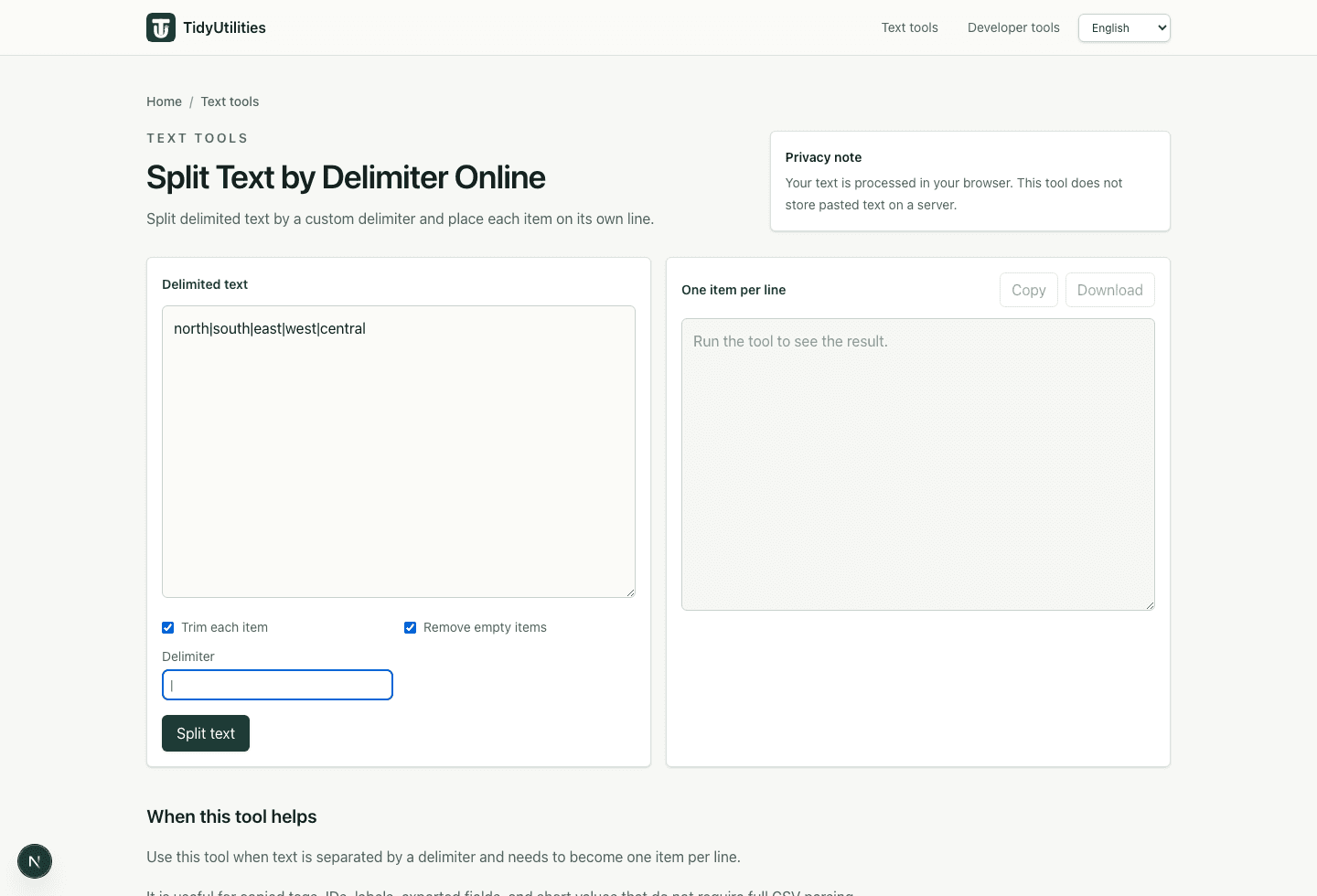
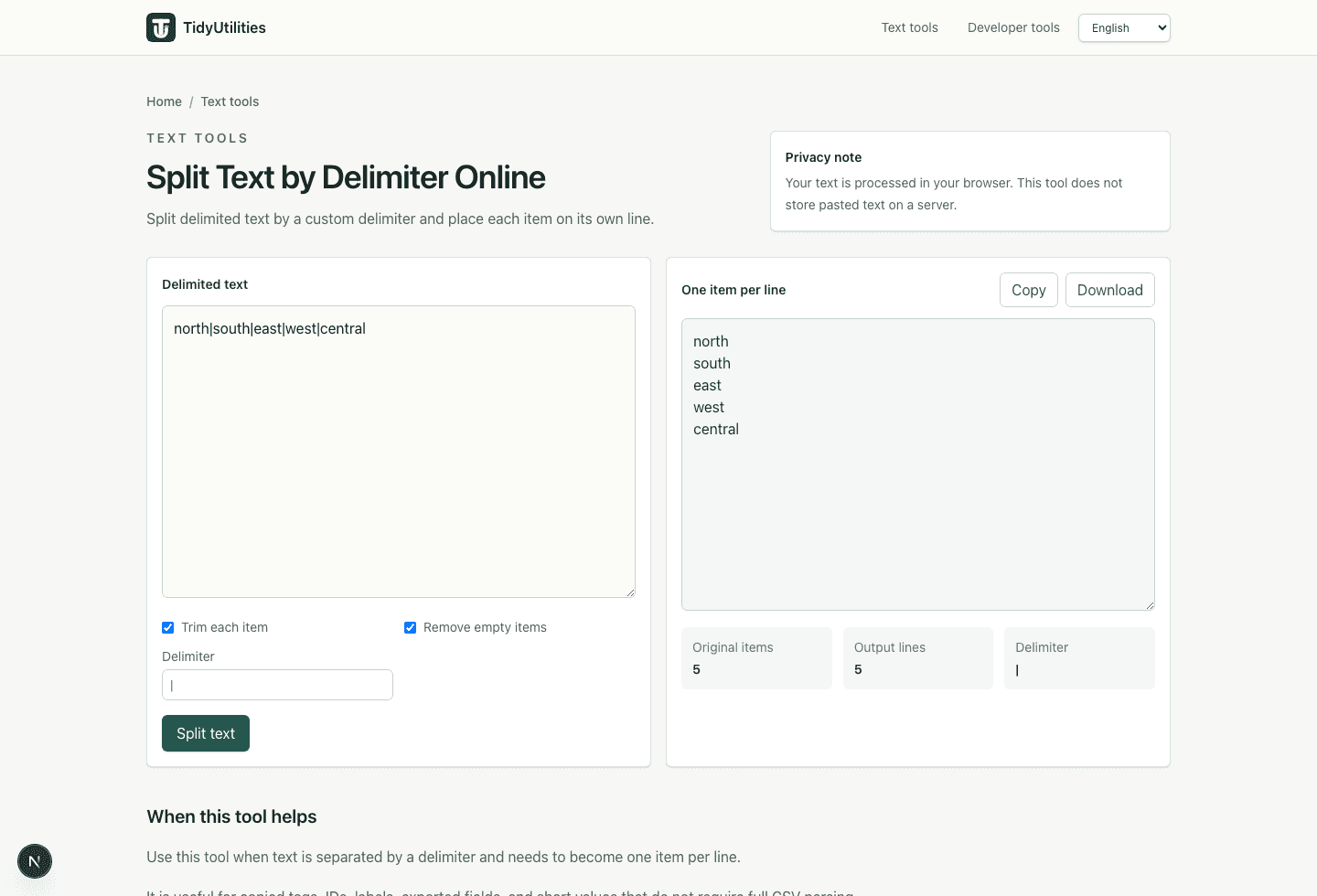
Split custom-delimited text into one item per line.
Use the simpler comma tool when commas are the only separator.
Reverse the workflow when a line-by-line list needs a custom separator.
Current TidyUtilities tools process pasted text in the browser. Do not paste regulated, confidential, customer, or third-party data unless your own rules allow browser-based tools for that workflow.
This page is a workflow guide, not a guarantee that the cleaned output is legally compliant, deliverable, import-safe, or ready to publish without review.
No. This workflow splits simple pasted text by one delimiter. Use a real CSV parser when quoted fields or escaped separators matter.
Remove empty items when repeated delimiters are accidental. Keep them only when blank values carry meaning in the destination workflow.
Last updated: May 29, 2026