
Extract Emails From Text - Dedupe in Browser
Find email addresses inside mixed copied text.
Workflow guides
Extract, deduplicate, lowercase, and format email addresses from pasted text before using them in a permitted workflow.
Best fit
Operators and marketers cleaning permitted internal lists, contact exports, signup snippets, or copied support notes.
Email addresses copied from notes, messages, or exports often include names, punctuation, duplicates, and inconsistent casing.
This workflow extracts only the addresses and then formats the list for a destination field without validating deliverability.
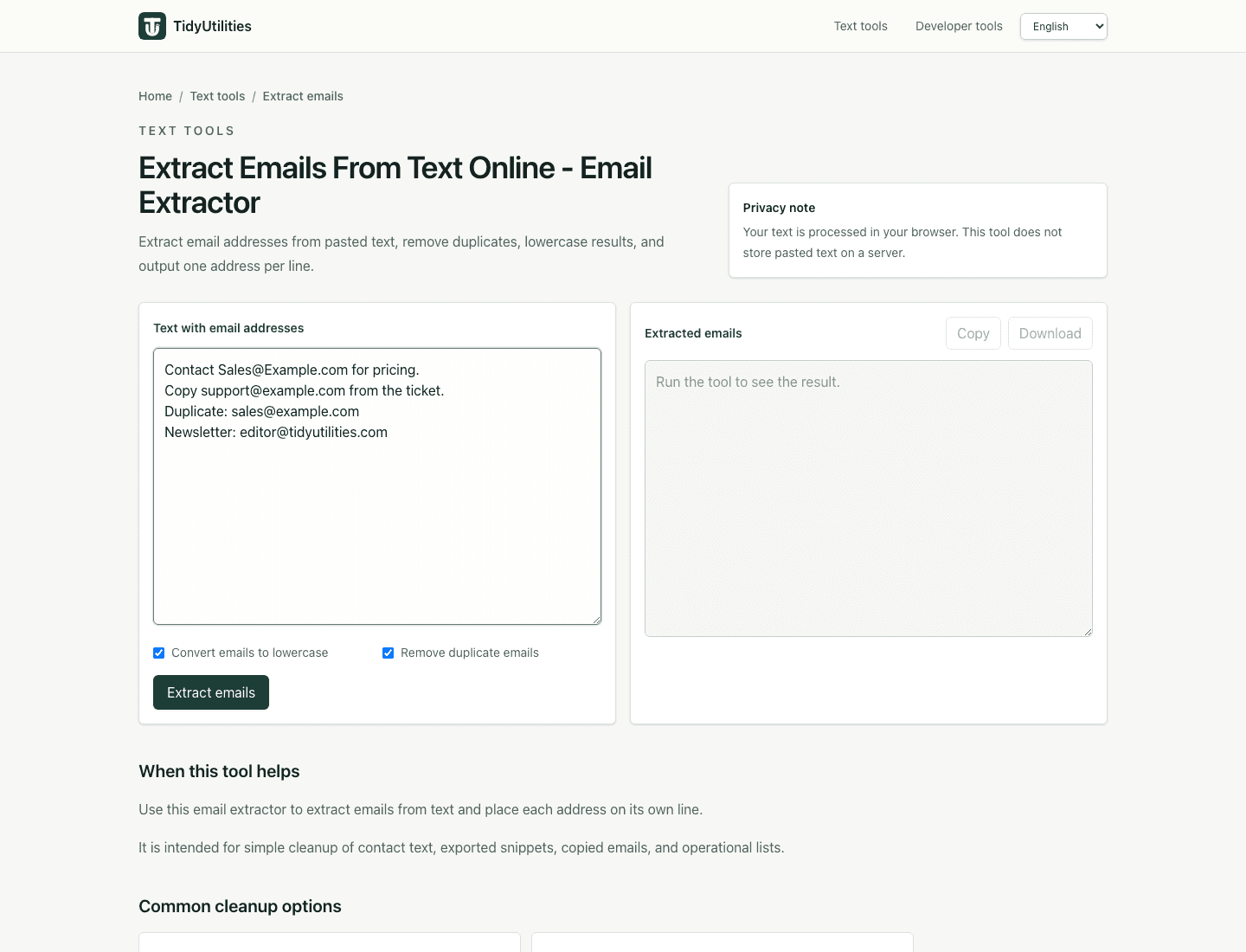
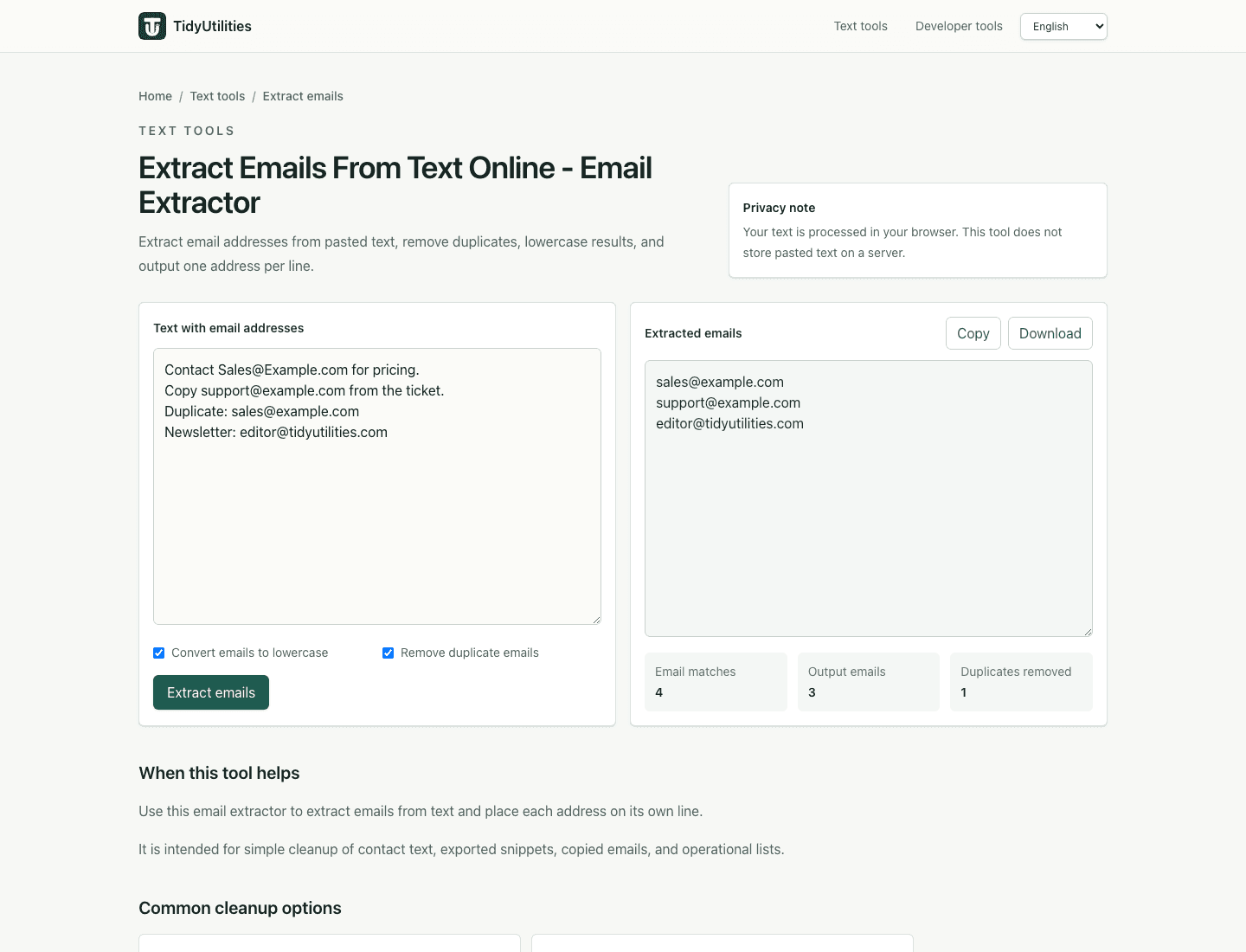
Find email addresses inside mixed copied text.
Normalize casing for easier comparison.
Deduplicate when combining multiple permitted lists.
Prepare the final list for fields that expect comma-separated values.
Current TidyUtilities tools process pasted text in the browser. Do not paste regulated, confidential, customer, or third-party data unless your own rules allow browser-based tools for that workflow.
This page is a workflow guide, not a guarantee that the cleaned output is legally compliant, deliverable, import-safe, or ready to publish without review.
No. It extracts and formats visible email addresses. It does not check mailbox existence, consent, or deliverability.
This workflow is intended for permitted data cleanup. Do not use it in ways that violate privacy, consent, or anti-spam requirements.
Last updated: June 15, 2026