
Developer tools
JSON Validator Online - Check Syntax Locally
Validate JSON syntax locally in your browser, show parse errors, and report the top-level type without uploading pasted JSON.
- No signup
- Browser-local
- Clean output
- Sample included
Privacy note
Your text is processed in your browser. This tool does not store pasted text on a server.
When this tool helps
Use this JSON validator when a copied payload, config snippet, or API example needs a quick syntax check before you paste it into another workflow.
The page is intentionally narrow: paste JSON, check whether it parses, read the error if it fails, and keep the text processing in your browser.
Common cleanup options
JSON syntax validation
Check whether pasted text is valid JSON before using it in code, docs, tests, config, logs, or API examples.
Online validator, local run
Use the page as an online JSON validator while the actual parsing runs in the browser for normal use.
Top-level type
Valid input reports whether the top-level value is an object, array, string, number, boolean, or null.
Local validation
Validation runs in the browser and does not upload pasted JSON in the current implementation.
Formatter and minifier next steps
After validation, use JSON Formatter for readable output or JSON Minifier when a compact one-line value is needed.
How to use it
- Paste JSON text or a copied API response.
- Run the JSON validator.
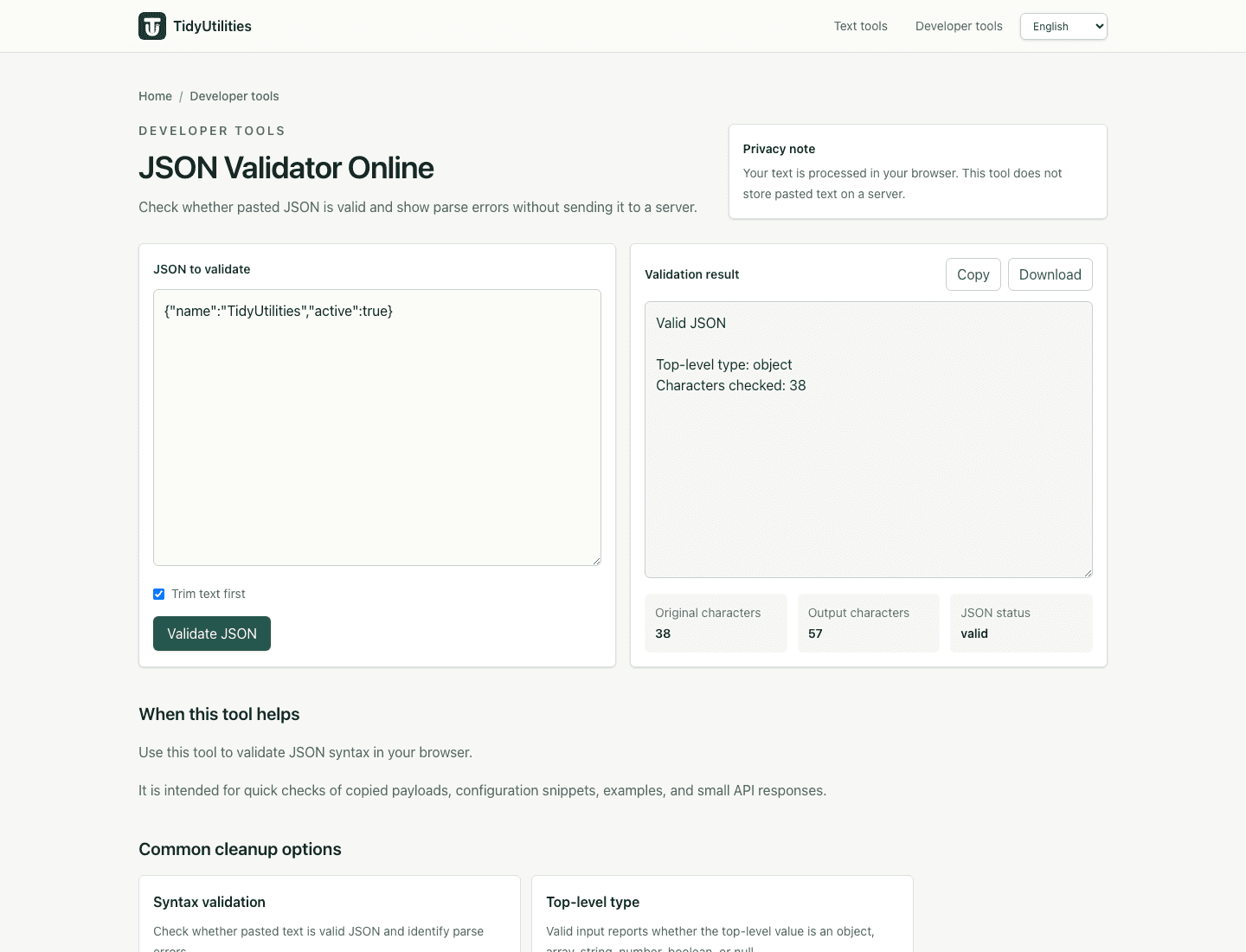
- Check the valid or invalid result, parse error, and top-level JSON type.
- If invalid, fix the syntax issue and run the check again before using the JSON elsewhere.
Privacy, review, and limitations
The current version processes pasted text in your browser for normal use, and the page explains the tool behavior that is visible in the interface. Review the preview before copying output into another workflow, especially when the source text came from PDFs, spreadsheets, exports, or copied tables.
This validates JSON syntax only and does not check JSON Schema, OpenAPI, or application-specific rules.
A valid JSON document can still contain unsafe, private, or semantically incorrect data.
Parse error wording comes from the browser runtime and may vary slightly between environments.
Frequently asked questions
Can I validate JSON online with this page?
Yes. Paste JSON and run the validator to check whether the text can be parsed as valid JSON.
Will it show JSON syntax errors?
Yes. Invalid JSON returns a parse error from the browser runtime so you can find the syntax issue and try again.
Does it validate against a schema?
No. It checks JSON syntax only. It does not validate custom schemas or API contracts.
What does top-level type mean?
It reports whether the parsed JSON starts as an object, array, string, number, boolean, or null.
Is my JSON uploaded?
No. The current validator runs locally in your browser.
Last updated: June 15, 2026
See the tool in action
How this page is maintained
This tool page is maintained for practical accuracy, clear limitations, browser-based processing behavior, and links to related cleanup tasks. It is intended for everyday text cleanup, not for legal, medical, financial, security, or other high-stakes decisions.
Browser-local processing
The current tool runs in the browser and does not require an account, upload, or server-side text processing for normal use.
Reviewed behavior
Examples, options, and limitations are checked against the actual tool behavior before public pages are added to the site.
Human review still matters
Text cleanup can miss source-specific issues such as broken words, malformed data, or copied table artifacts, so review important output before reuse.
Safe use checklist
- Use sample or non-sensitive text when testing a workflow.
- Check the output preview before copying it into another system.
- Keep confidential, regulated, or customer data inside approved tools.
- Use related tools only when they match the same cleanup task, not to force unrelated edits.
Related tools
JSON formatter
OpenFormat, indent, and optionally sort JSON object keys locally in your browser.
JSON minifier
OpenMinify JSON locally in your browser, compact JSON into one line, and remove unnecessary whitespace without uploading it.
URL decode
OpenDecode URLs, query strings, and percent-encoded URL components locally in your browser.