
Text tools
Add Line Numbers Online
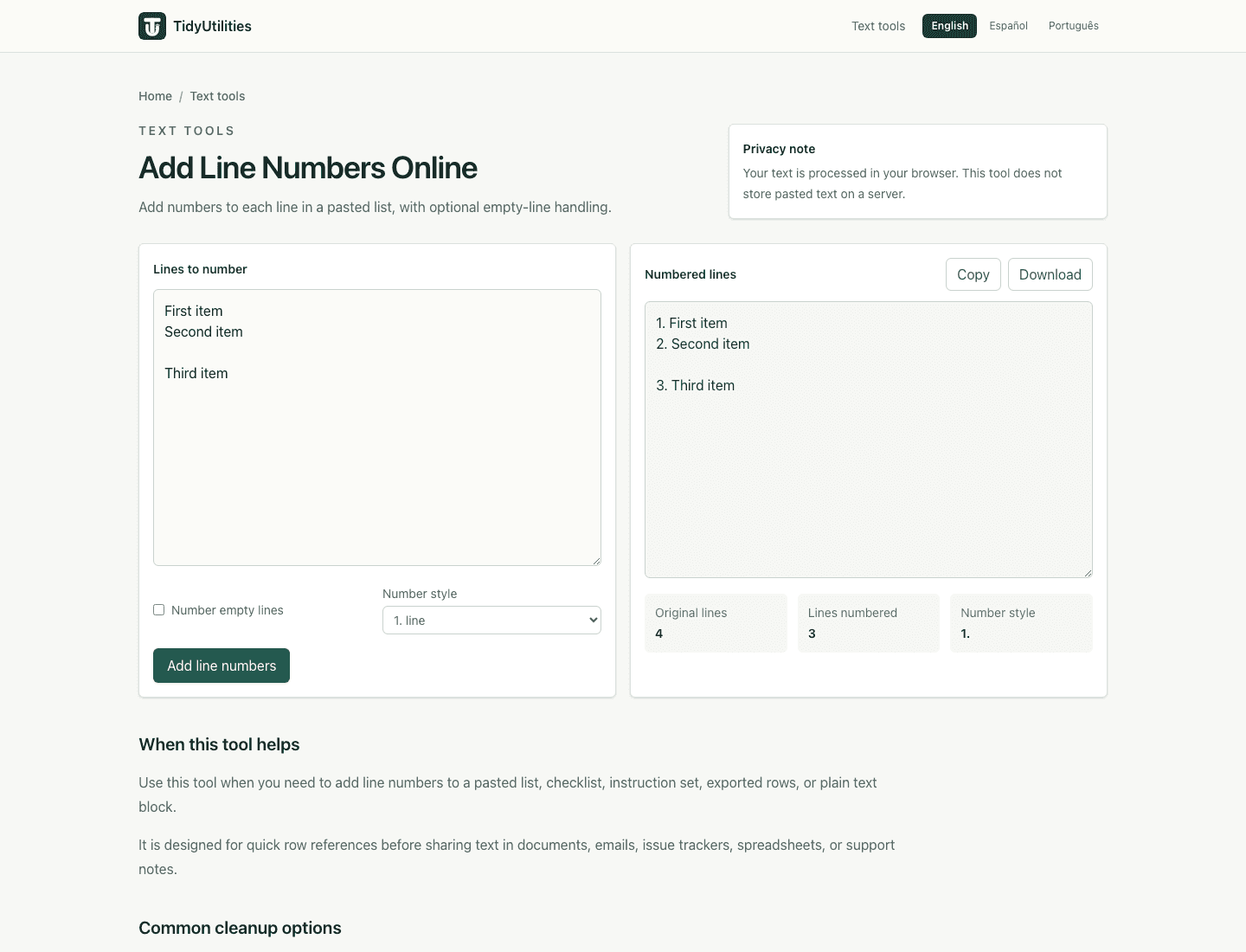
Add numbers to each line in a pasted list, with optional empty-line handling.
- No signup
- Browser-local
- Clean output
- Sample included
Privacy note
Your text is processed in your browser. This tool does not store pasted text on a server.
When this tool helps
Use this tool when you need to add line numbers to a pasted list, checklist, instruction set, exported rows, or plain text block.
It is designed for quick row references before sharing text in documents, emails, issue trackers, spreadsheets, or support notes.
Common cleanup options
List numbering
Add simple line numbers before pasting a list into notes, tickets, briefs, or documentation.
Blank-line control
Leave empty lines unnumbered when they separate groups, or number every row for strict row references.
Common styles
Choose a period, parenthesis, or tab separator depending on how the numbered text will be used.
Browser processing
The current version runs in your browser and does not require an account.
How to use it
- Paste the list or text block you want to number.
- Choose whether blank lines should receive numbers.
- Select the number style that fits your destination.
- Run the tool and copy or download the numbered output.
Privacy, review, and limitations
The current version processes pasted text in your browser for normal use, and the page explains the tool behavior that is visible in the interface. Review the preview before copying output into another workflow, especially when the source text came from PDFs, spreadsheets, exports, or copied tables.
The current tool starts at 1 and does not yet support custom starting numbers.
Review output before using it with code, poetry, or fixed-width text where added prefixes may change formatting.
Frequently asked questions
Can I skip blank lines?
Yes. Keep number empty lines turned off when blank lines should remain blank.
What number does it start with?
The current tool starts numbering at 1.
Is my pasted list uploaded?
No. The current tool processes pasted text in your browser.
Last updated: May 11, 2026
See the tool in action
How this page is maintained
This tool page is maintained for practical accuracy, clear limitations, browser-based processing behavior, and links to related cleanup tasks. It is intended for everyday text cleanup, not for legal, medical, financial, security, or other high-stakes decisions.
Browser-local processing
The current tool runs in the browser and does not require an account, upload, or server-side text processing for normal use.
Reviewed behavior
Examples, options, and limitations are checked against the actual tool behavior before public pages are added to the site.
Human review still matters
Text cleanup can miss source-specific issues such as broken words, malformed data, or copied table artifacts, so review important output before reuse.
Safe use checklist
- Use sample or non-sensitive text when testing a workflow.
- Check the output preview before copying it into another system.
- Keep confidential, regulated, or customer data inside approved tools.
- Use related tools only when they match the same cleanup task, not to force unrelated edits.
Related tools
Comma separated list to lines
OpenConvert comma separated text into one item per line, with trimming and empty-item cleanup.
Sort lines alphabetically
OpenSort lines alphabetically, trim whitespace, remove blank rows, and copy a clean sorted list.
Remove empty lines
OpenRemove blank lines from pasted text, lists, and exported rows directly in your browser.