
Text tools
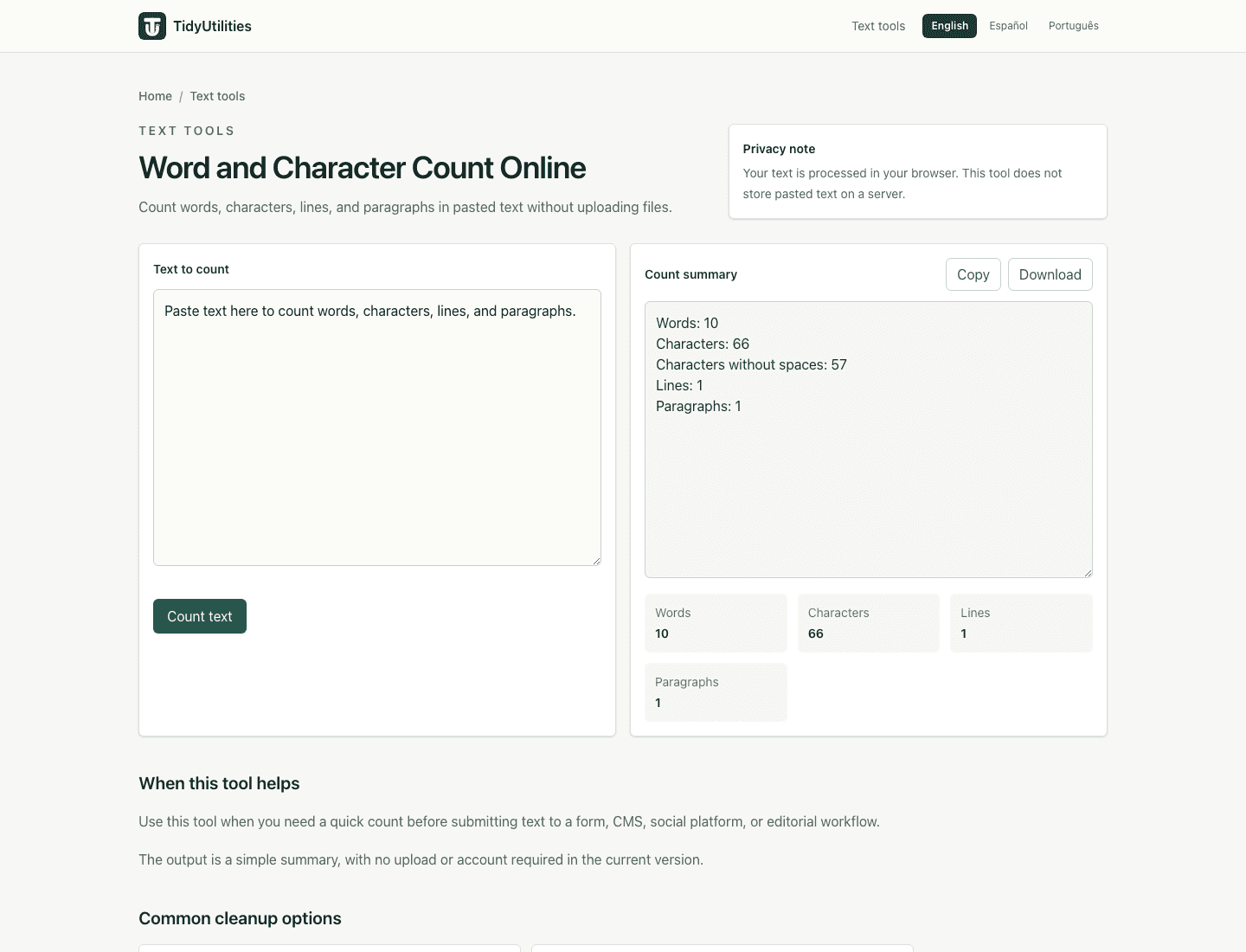
Word and Character Count Online
Count words, characters, lines, and paragraphs in pasted text without uploading files.
- No signup
- Browser-local
- Clean output
- Sample included
Privacy note
Your text is processed in your browser. This tool does not store pasted text on a server.
When this tool helps
Use this tool when you need a quick count before submitting text to a form, CMS, social platform, or editorial workflow.
The output is a simple summary, with no upload or account required in the current version.
Common cleanup options
Word count
Useful for drafts, descriptions, snippets, summaries, and text fields with word limits.
Character count
Check total characters when platforms or forms have strict length limits.
Line count
See how many rows a pasted text block contains.
Paragraph count
Quickly estimate structure in copied or drafted content.
How to use it
- Paste the text you want to count.
- Run the counter.
- Review words, characters, lines, and paragraphs.
- Copy or download the summary if needed.
Privacy, review, and limitations
The current version processes pasted text in your browser for normal use, and the page explains the tool behavior that is visible in the interface. Review the preview before copying output into another workflow, especially when the source text came from PDFs, spreadsheets, exports, or copied tables.
Different platforms may define words and characters differently, especially around punctuation, emoji, and non-English scripts.
Use the target platform's own counter as the final source of truth for strict submission limits.
Frequently asked questions
What counts as a word?
The current counter treats groups of non-space characters as words.
Does it count spaces?
It shows total characters and characters without spaces so you can compare both values.
Is the text stored?
No. The current counter runs in your browser and does not require an account.
Last updated: May 11, 2026
See the tool in action
How this page is maintained
This tool page is maintained for practical accuracy, clear limitations, browser-based processing behavior, and links to related cleanup tasks. It is intended for everyday text cleanup, not for legal, medical, financial, security, or other high-stakes decisions.
Browser-local processing
The current tool runs in the browser and does not require an account, upload, or server-side text processing for normal use.
Reviewed behavior
Examples, options, and limitations are checked against the actual tool behavior before public pages are added to the site.
Human review still matters
Text cleanup can miss source-specific issues such as broken words, malformed data, or copied table artifacts, so review important output before reuse.
Safe use checklist
- Use sample or non-sensitive text when testing a workflow.
- Check the output preview before copying it into another system.
- Keep confidential, regulated, or customer data inside approved tools.
- Use related tools only when they match the same cleanup task, not to force unrelated edits.
Related tools
Trim whitespace from lines
OpenTrim leading and trailing spaces from every line, with optional internal space cleanup.
Remove line breaks
OpenClean pasted text by removing line breaks, preserving paragraphs, or replacing breaks with spaces.
Remove duplicate lines
OpenPaste a list or text block, remove duplicate lines in your browser, and copy a clean result.