
Convert Text to One Line Online
Convert multi-line text into one compact line with a chosen separator.
Workflow guides
A practical workflow for turning multi-line notes, lists, and copied text into one clean line before pasting into CMS, metadata, or form fields.
Best fit
Content editors, SEO operators, site owners, and support teams who need compact one-line text for CMS fields, page metadata, short form fields, and internal notes.
CMS and form fields often expect one compact value, but copied notes, task lists, or spreadsheet cells may arrive as multiple lines.
This workflow keeps the change easy to review: paste a short sample, choose the separator, convert it, then check the final line before copying it into another system.
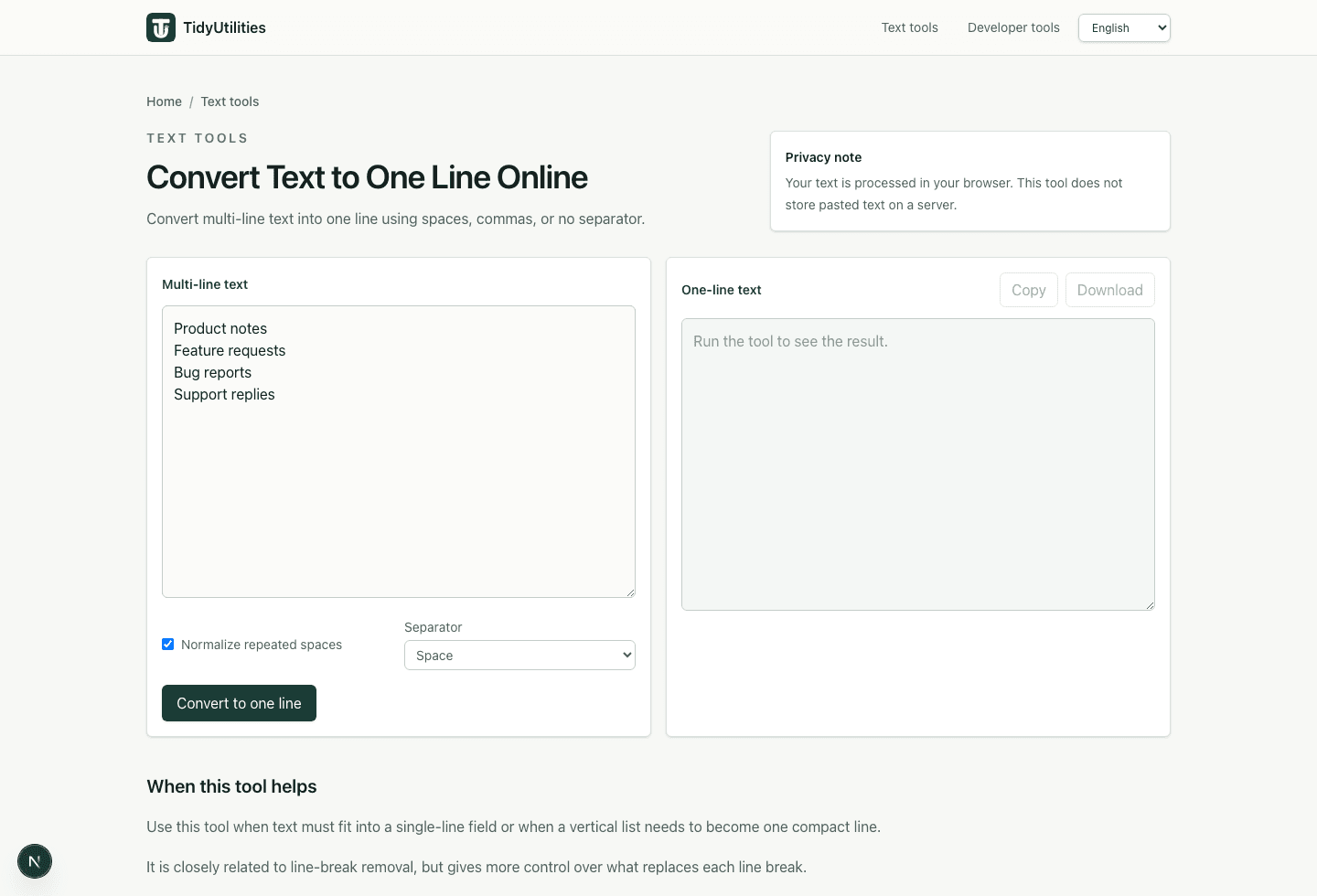
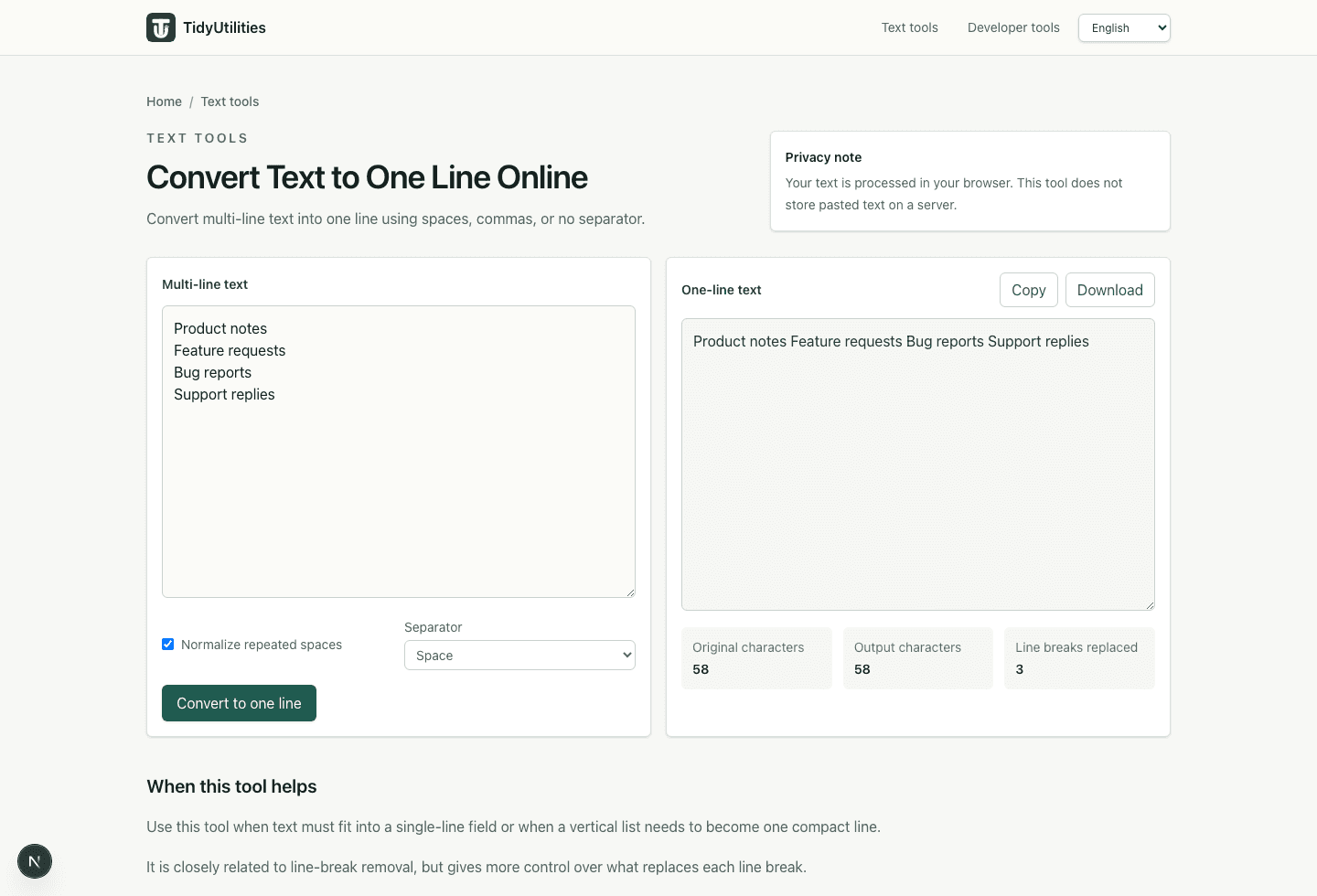
Convert multi-line text into one compact line with a chosen separator.
Use when copied paragraphs have unwanted visual line wrapping.
Clean leading and trailing spaces before compacting list-style text.
Current TidyUtilities tools process pasted text in the browser. Do not paste regulated, confidential, customer, or third-party data unless your own rules allow browser-based tools for that workflow.
This page is a workflow guide, not a guarantee that the cleaned output is legally compliant, deliverable, import-safe, or ready to publish without review.
Use spaces for normal sentences or notes. Use comma + space when the destination expects a compact list of values.
No. The tool makes the text easier to paste into one-line fields, but you should still check punctuation, separators, and field length before publishing.
Last updated: May 29, 2026