
Randomize List Online - Shuffle Names in Browser
Shuffle one item per line into a random order.
Workflow guides
A practical workflow for shuffling names, tasks, ideas, or short values into a random order while keeping the original list easy to review.
Best fit
Teachers, facilitators, support teams, content teams, and operators who need a quick non-sensitive shuffle for names, tasks, ideas, or short lists.
Randomizing a list is useful when you need a quick shuffled order for everyday planning, review order, or non-sensitive assignments.
The safest workflow is to clean the list first, then shuffle it, then keep the original list nearby if you need to explain or repeat the process.
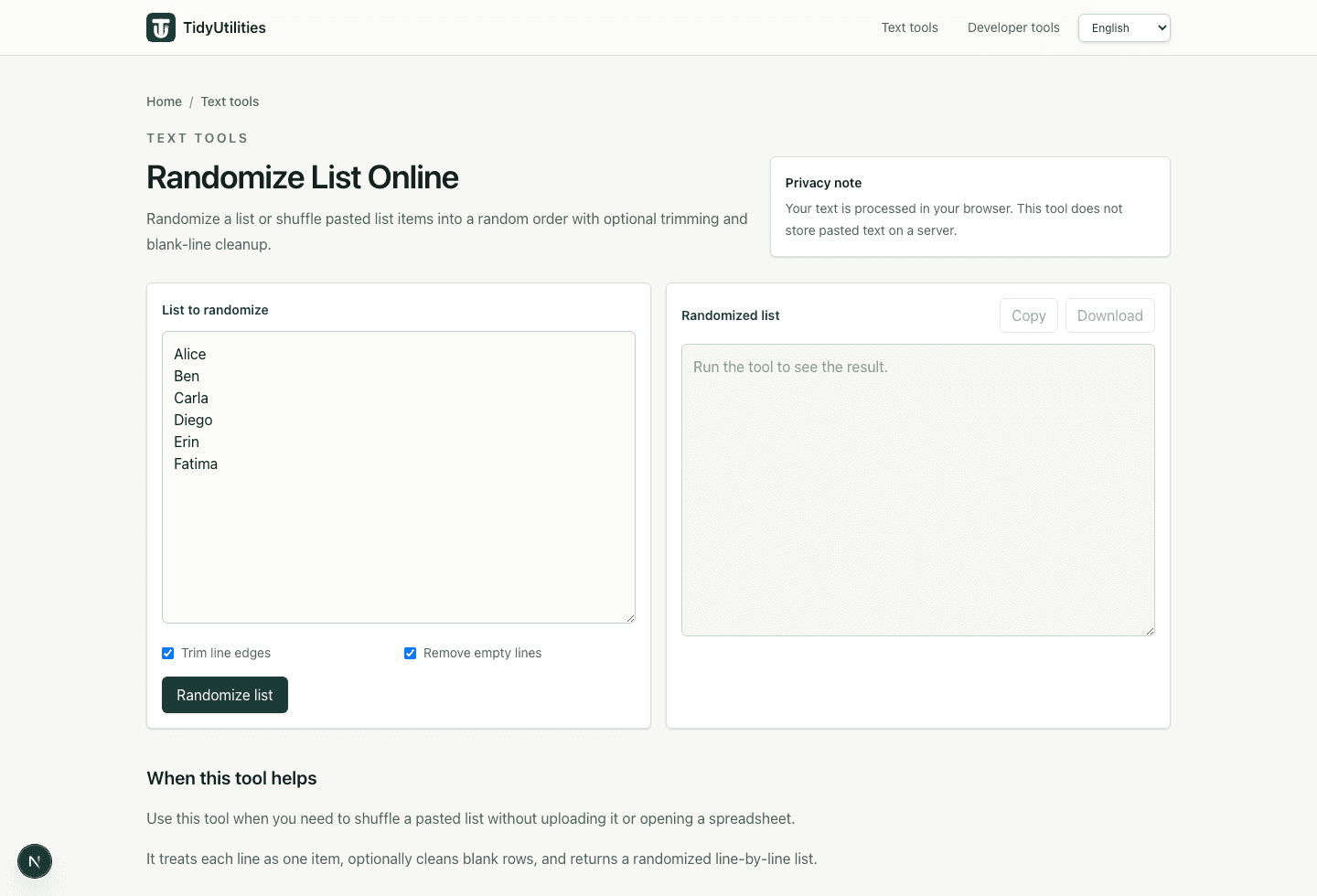
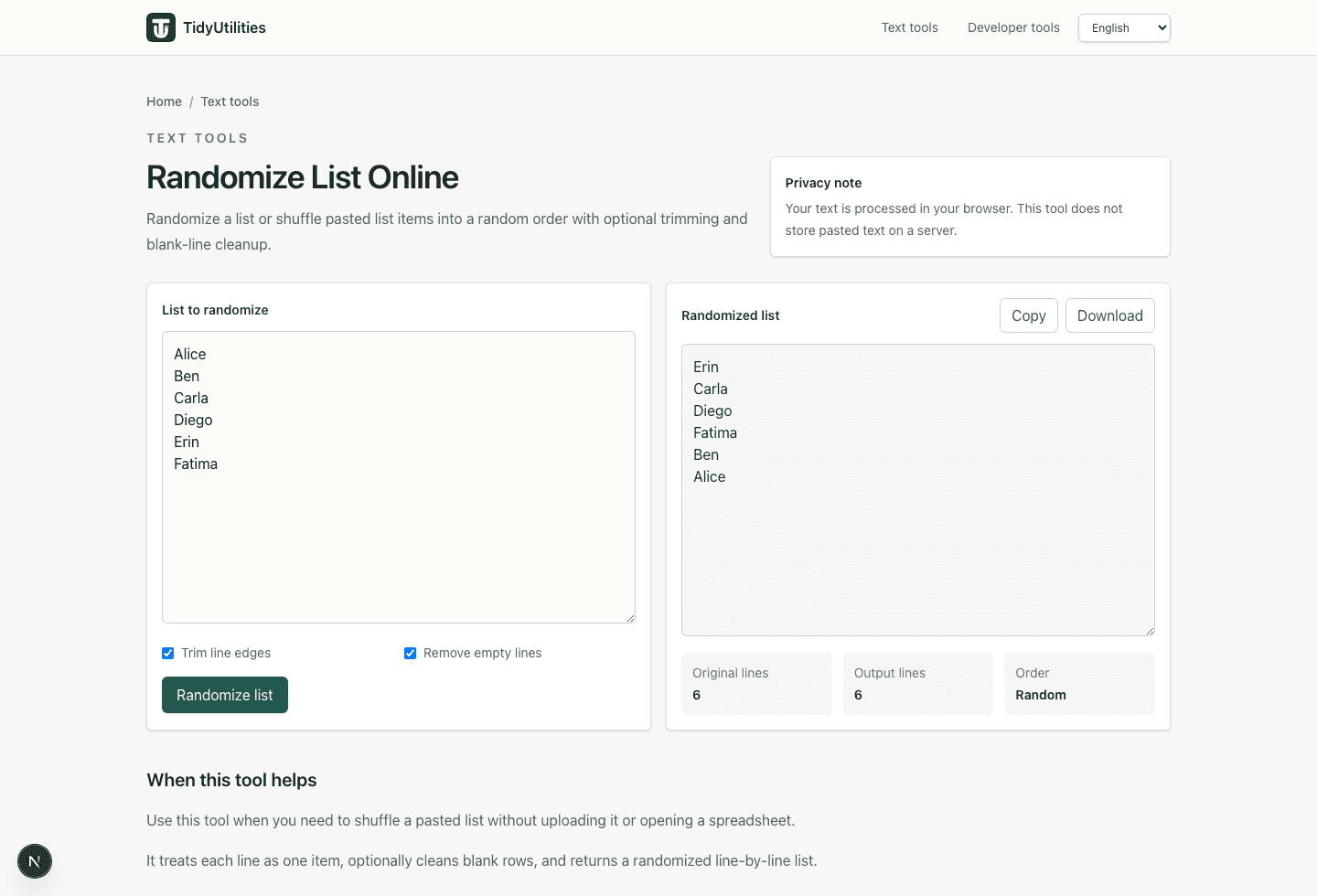
Shuffle one item per line into a random order.
Deduplicate first only when repeated items are not meaningful.
Use before or after randomizing when you need a reviewable baseline order.
Current TidyUtilities tools process pasted text in the browser. Do not paste regulated, confidential, customer, or third-party data unless your own rules allow browser-based tools for that workflow.
This page is a workflow guide, not a guarantee that the cleaned output is legally compliant, deliverable, import-safe, or ready to publish without review.
No. This workflow is for everyday list shuffling, not audited, legal, payment, cryptographic, or high-stakes random selection.
Only remove duplicates if repeated items are accidental. If duplicates represent extra entries, keep them.
Last updated: May 29, 2026