
Developer tools
URL Encode Online
Percent-encode URL text, query values, and URL components in your browser.
- No signup
- Browser-local
- Clean output
- Sample included
Privacy note
Your text is processed in your browser. This tool does not store pasted text on a server.
When this tool helps
Use this tool to percent-encode text for URLs, query parameters, and API examples.
It is designed for quick browser-local encoding when preparing links, debugging request parameters, or cleaning pasted URL values.
Common cleanup options
Component encoding
Encode spaces, ampersands, equals signs, Unicode characters, and other reserved characters for query values and path pieces.
Full URL mode
Preserve common URL separators while encoding characters that need escaping inside the full URL string.
Debugging workflow
Prepare query values, redirect parameters, copied examples, and API request snippets without opening a heavier developer tool.
Browser processing
Input is processed locally in the browser session and is not uploaded by this tool.
How to use it
- Paste the text, query value, or URL you need to encode.
- Choose URL component or full URL mode.
- Run the tool to create percent-encoded output.
- Copy the encoded result into your URL, request, test case, or documentation.
Privacy, review, and limitations
The current version processes pasted text in your browser for normal use, and the page explains the tool behavior that is visible in the interface. Review the preview before copying output into another workflow, especially when the source text came from PDFs, spreadsheets, exports, or copied tables.
Encoding does not validate that a final URL points to a real destination.
Choose the correct mode before copying output because full URL mode intentionally preserves URL separators.
If you are encoding separate query values, encode each value separately instead of encoding the entire query string as one component.
Frequently asked questions
What does URL encoding do?
It converts characters such as spaces, ampersands, and non-ASCII text into percent-encoded text that can be safely used in URL components.
Should I choose URL component or full URL mode?
Use URL component mode for query values and individual fields. Use full URL mode when you want to preserve URL separators such as :, /, ?, and &.
Does encoding make a URL safe to visit?
No. Encoding only changes text representation. Always review links and destinations separately before opening or sharing them.
Is my URL text uploaded?
No. The current tool runs in your browser and does not send pasted input to a server.
Last updated: May 11, 2026
See the tool in action
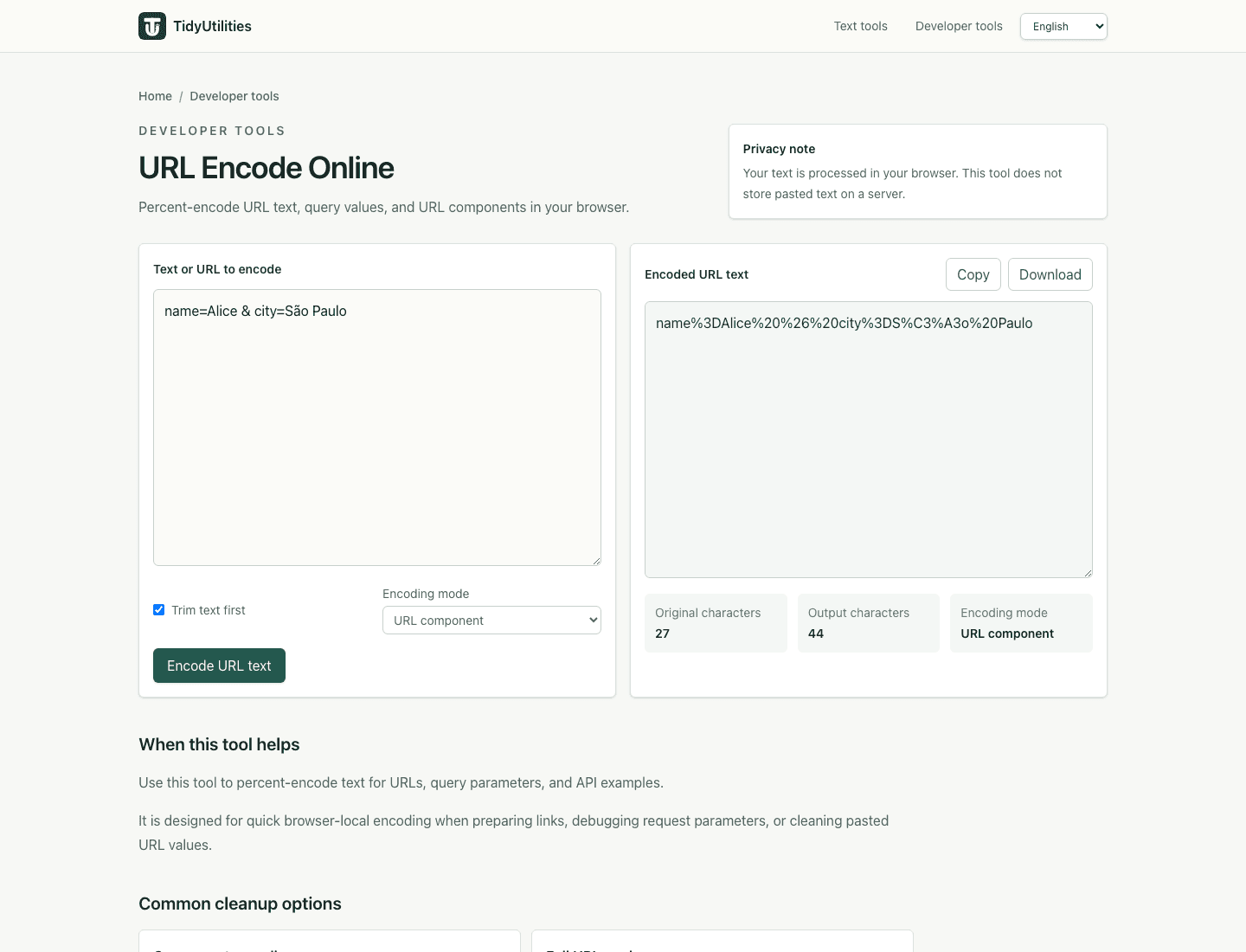
How this page is maintained
This tool page is maintained for practical accuracy, clear limitations, browser-based processing behavior, and links to related cleanup tasks. It is intended for everyday text cleanup, not for legal, medical, financial, security, or other high-stakes decisions.
Browser-local processing
The current tool runs in the browser and does not require an account, upload, or server-side text processing for normal use.
Reviewed behavior
Examples, options, and limitations are checked against the actual tool behavior before public pages are added to the site.
Human review still matters
Text cleanup can miss source-specific issues such as broken words, malformed data, or copied table artifacts, so review important output before reuse.
Safe use checklist
- Use sample or non-sensitive text when testing a workflow.
- Check the output preview before copying it into another system.
- Keep confidential, regulated, or customer data inside approved tools.
- Use related tools only when they match the same cleanup task, not to force unrelated edits.
Related tools
URL decode
OpenDecode URLs, query strings, and percent-encoded URL components locally in your browser.
Base64 encode
OpenEncode plain text and Unicode text to Base64 without uploading it.
JSON minifier
OpenMinify JSON locally in your browser, compact JSON into one line, and remove unnecessary whitespace without uploading it.