
Developer tools
Base64 Encode Online
Encode plain text and Unicode text to Base64 without uploading it.
- No signup
- Browser-local
- Clean output
- Sample included
Privacy note
Your text is processed in your browser. This tool does not store pasted text on a server.
When this tool helps
Use this tool to encode text into Base64 directly in your browser.
It is intended for examples, test data, configuration snippets, API debugging, and quick encoding tasks.
Common cleanup options
UTF-8 support
Unicode text is encoded as UTF-8 before Base64 conversion, so common symbols and non-English characters are preserved.
Base64URL output
URL-safe output replaces + and / with - and _, with optional padding removal for systems that expect unpadded Base64URL.
Not encryption
Base64 is reversible text encoding and should not be used to hide secrets.
Browser processing
The current version processes pasted text locally in the browser.
How to use it
- Paste text to encode.
- Choose standard Base64 or URL-safe output.
- Keep trim enabled if copied whitespace is accidental.
- Run the tool and copy the result into examples, tests, or configuration where Base64 text is required.
Privacy, review, and limitations
The current version processes pasted text in your browser for normal use, and the page explains the tool behavior that is visible in the interface. Review the preview before copying output into another workflow, especially when the source text came from PDFs, spreadsheets, exports, or copied tables.
Do not paste passwords, access tokens, or regulated data unless your own policy allows it.
Base64URL settings should match the system that will read the encoded value.
This text-focused version does not encode uploaded files.
Frequently asked questions
Can this encode Unicode text?
Yes. The tool encodes text as UTF-8 before converting it to Base64.
Can it create URL-safe Base64?
Yes. Enable URL-safe output to use - and _ instead of + and /. You can also omit trailing padding when a target system expects unpadded Base64URL.
Is Base64 encryption?
No. Base64 is an encoding format, not encryption. Anyone can decode it back to readable text.
Is my text uploaded?
No. The current tool runs locally in your browser.
Last updated: May 11, 2026
See the tool in action
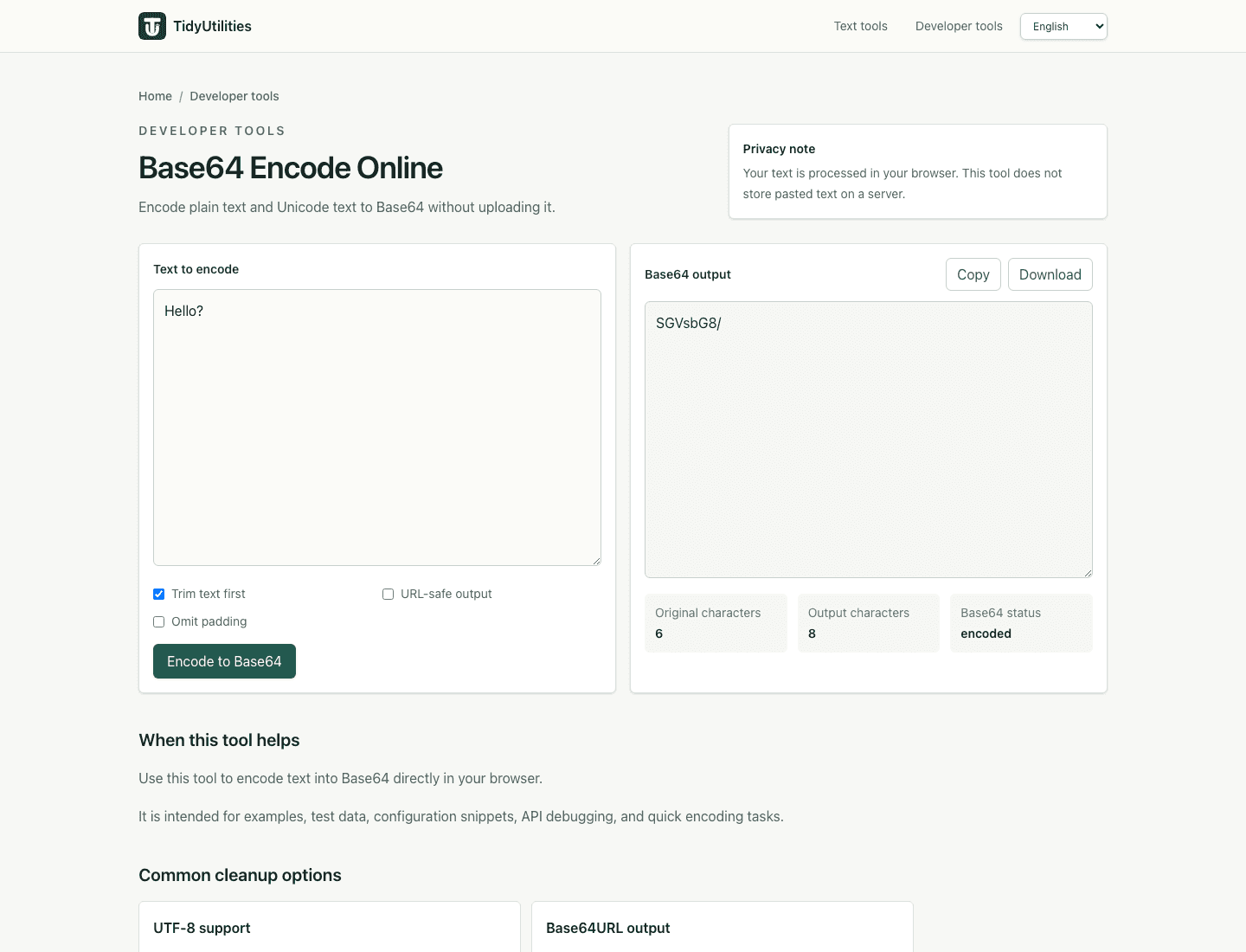
How this page is maintained
This tool page is maintained for practical accuracy, clear limitations, browser-based processing behavior, and links to related cleanup tasks. It is intended for everyday text cleanup, not for legal, medical, financial, security, or other high-stakes decisions.
Browser-local processing
The current tool runs in the browser and does not require an account, upload, or server-side text processing for normal use.
Reviewed behavior
Examples, options, and limitations are checked against the actual tool behavior before public pages are added to the site.
Human review still matters
Text cleanup can miss source-specific issues such as broken words, malformed data, or copied table artifacts, so review important output before reuse.
Safe use checklist
- Use sample or non-sensitive text when testing a workflow.
- Check the output preview before copying it into another system.
- Keep confidential, regulated, or customer data inside approved tools.
- Use related tools only when they match the same cleanup task, not to force unrelated edits.